KGS EDO
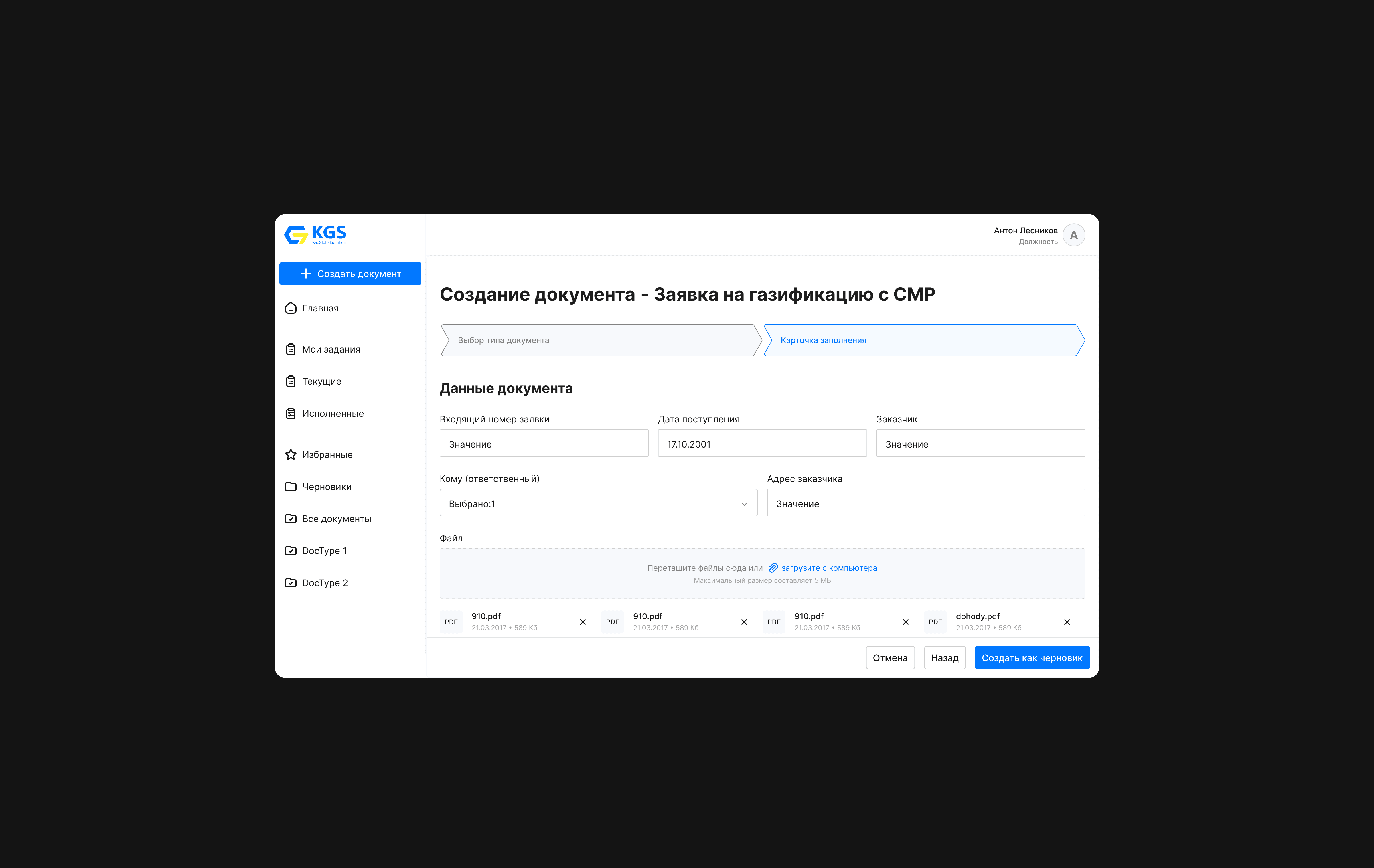
KulsaryGas Solution EDO is an electronic document management system designed with a focus on ease of use. Similar to previous projects, it is aimed at about 3500 users. Unlike the usual designers in the interface, here the whole process of form generation and data entry takes place on the backend.
Role
Senior Product Designer
Year
2019 – 2020
Process
As part of the digitalization program, many large companies started to introduce new solutions into their “everyday life”. One of the sectors affected was document management. The customer gave us a rather tight deadline of 3 months (design part and further support, improvements). And for the overall development and implementation of the whole year. My task was:
Preliminary studies
Based on the habits, qualities of users made User Story (scenarios), answering the question “What should the user be able to do using the product?”.
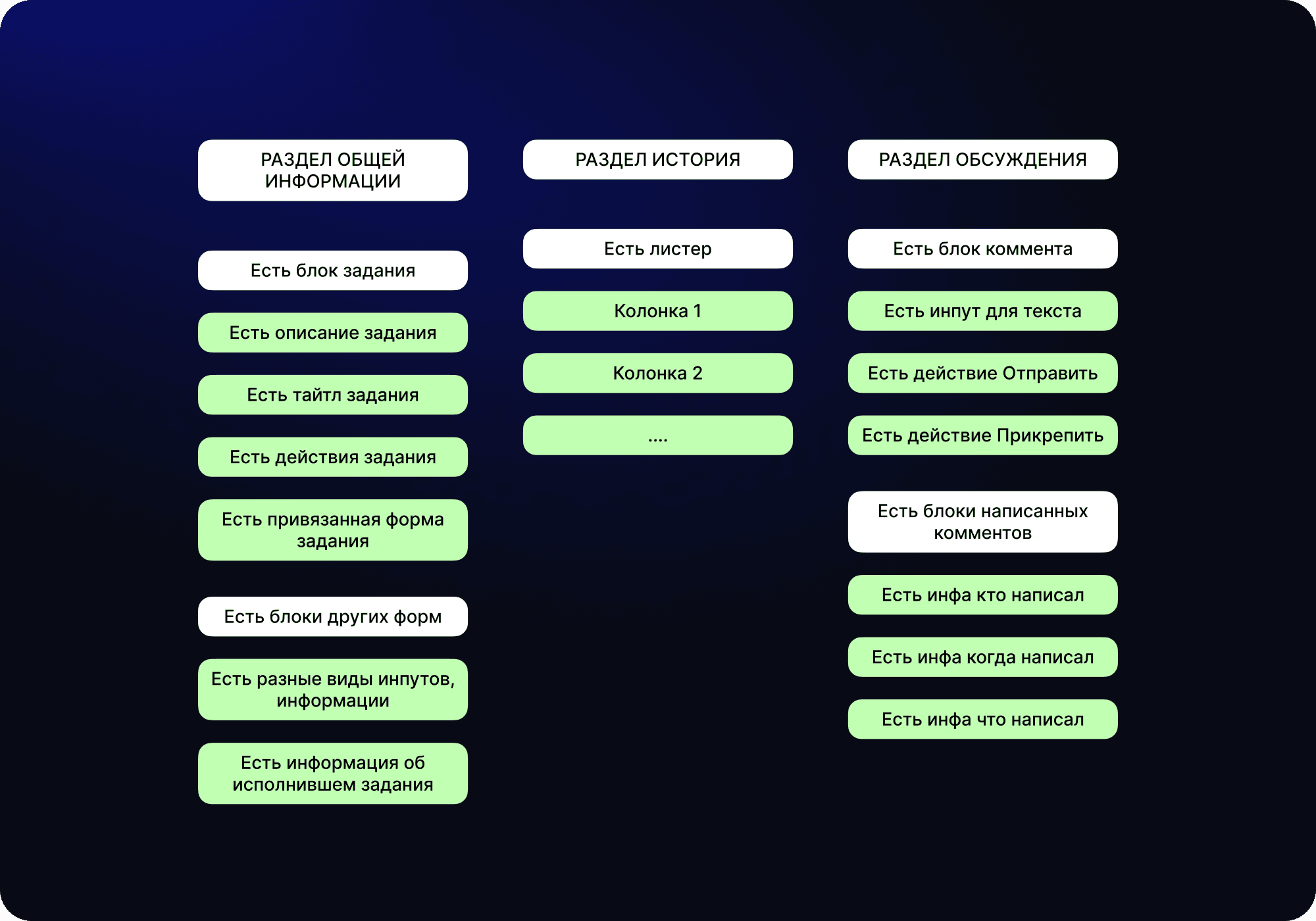
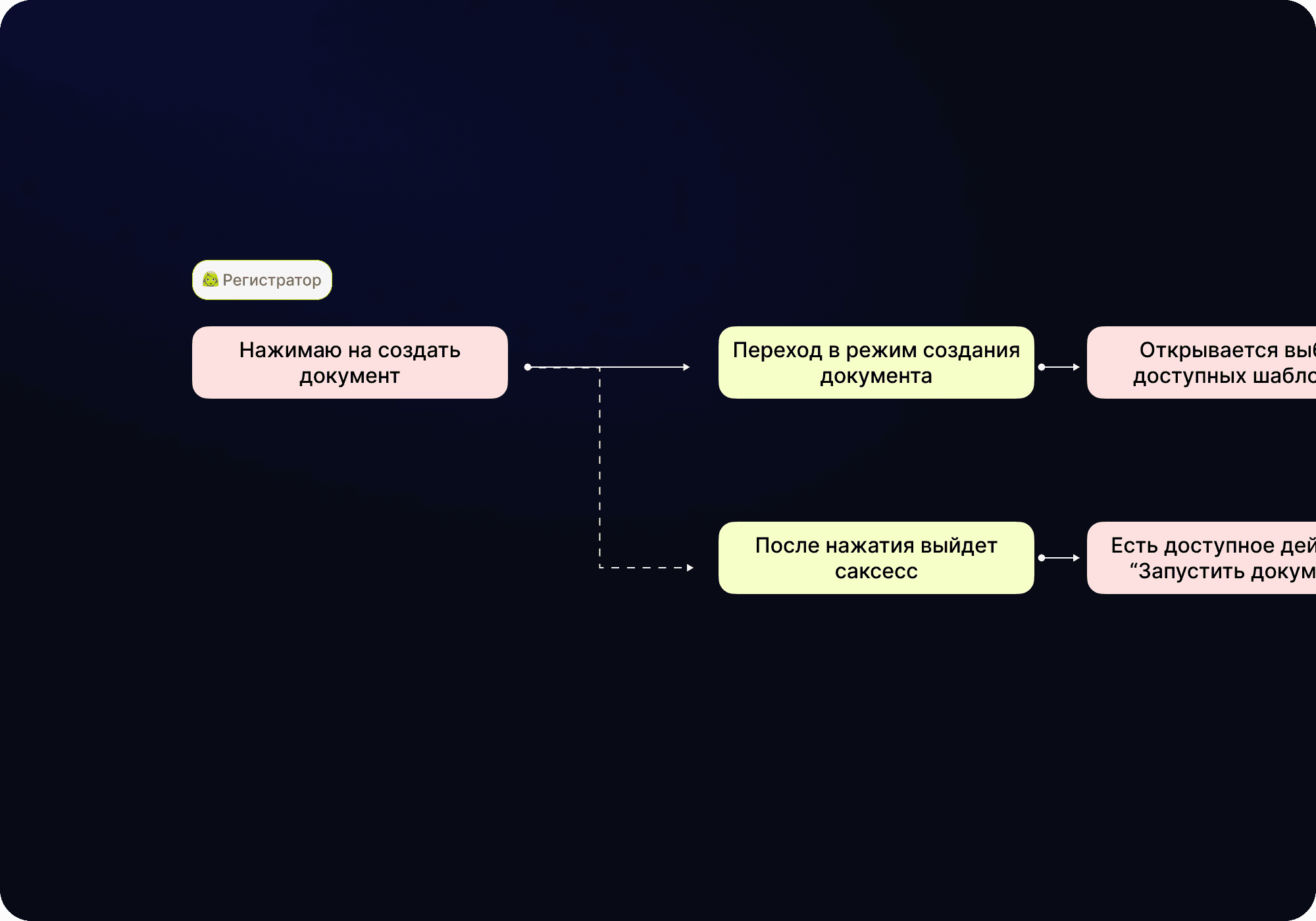
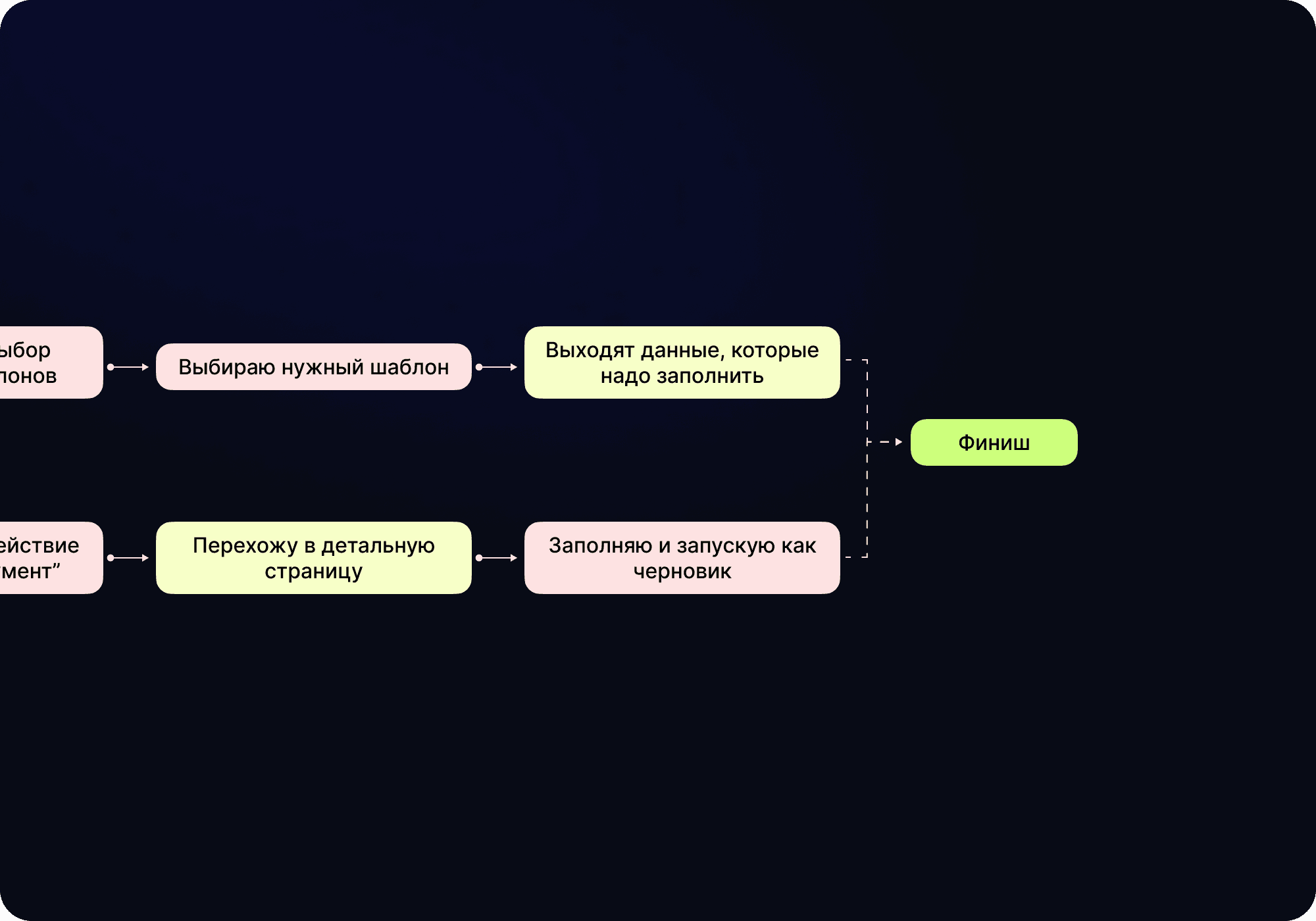
After User Story there were already some ideas and schemes how the user can do his work qualitatively, daily without questions to the design. The User Flow was made by scenarios taking into account all the needs.
Wireframes
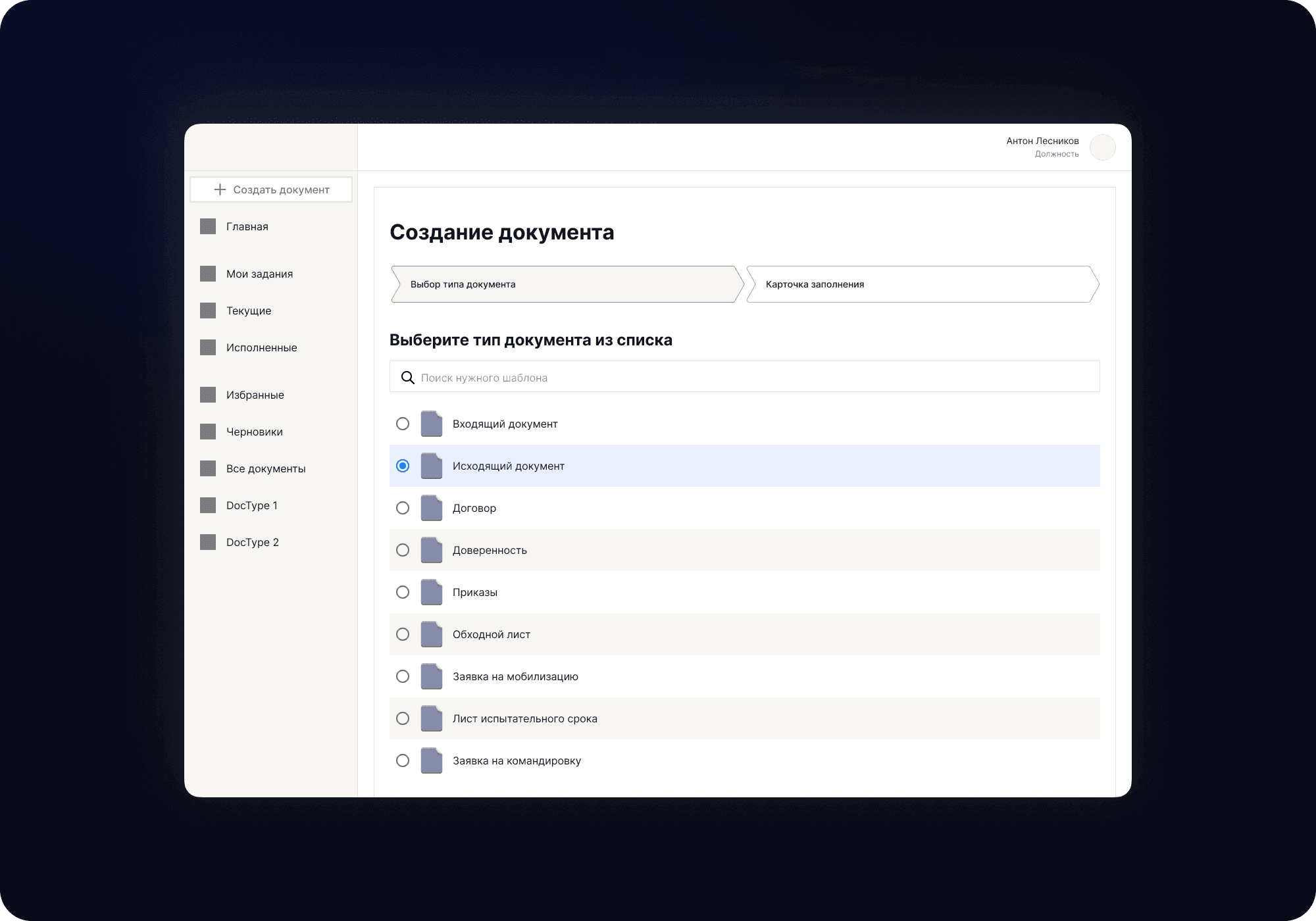
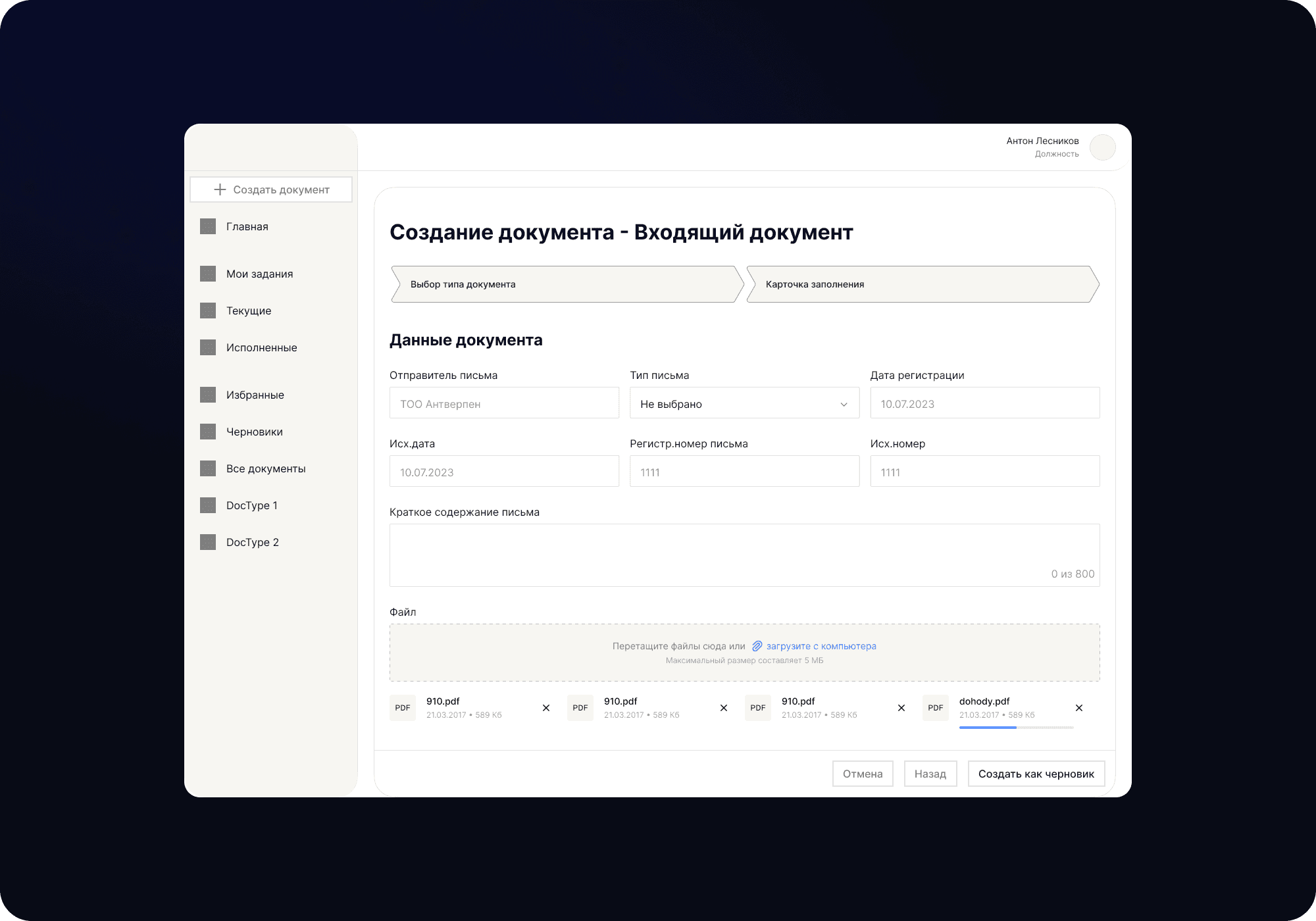
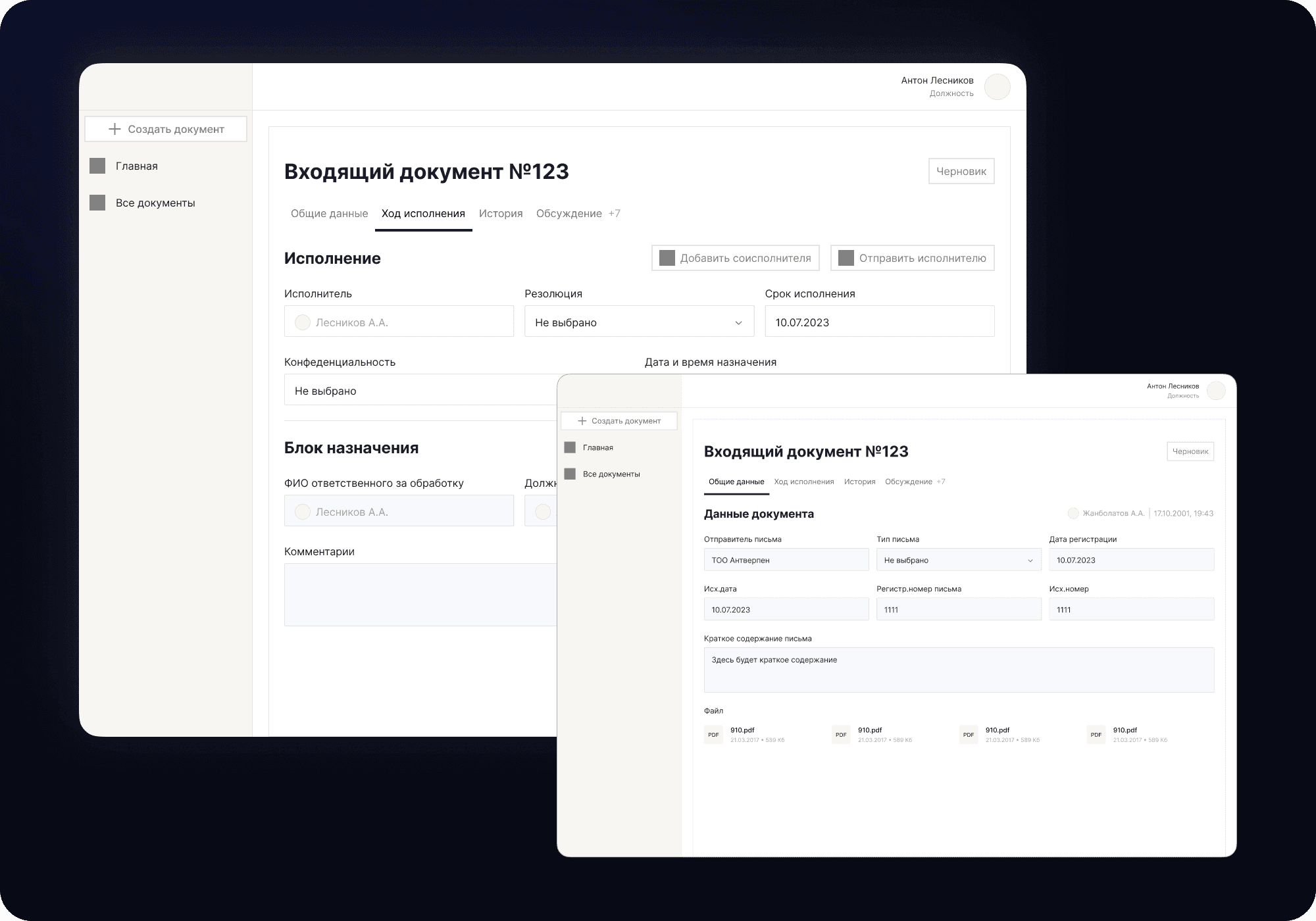
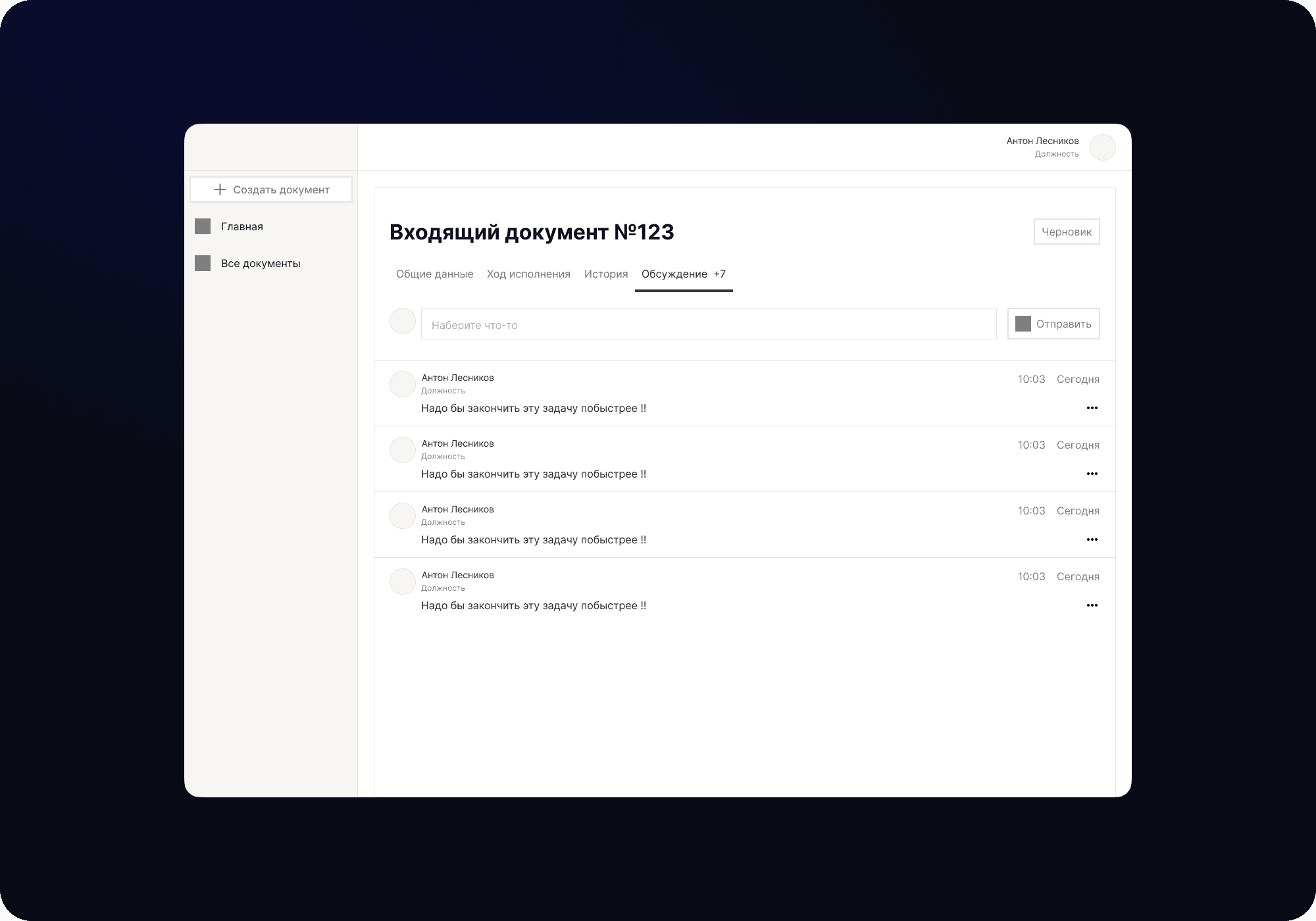
Hypothesis Test
I had a few problems here - tight deadlines, there were a lot of options for different solutions and inaccessibility of users to test my hypotheses due to the fact that they had a corporate network that didn't run other domains (services that could help for the test... you can't even open the figma itself).
An ingenious solution was devised, which was not much inferior to the usual ways. I knew that they had a corporate email account and that I had access to the mailing list.
With little thought I took a few hypotheses and controversial solutions, made a video using screen capture as myself going through the user path and at the end offered to choose a convenient one. So in three days I collected ~250 votes (some were lost, some unclear) and closed the test question.
Final Design
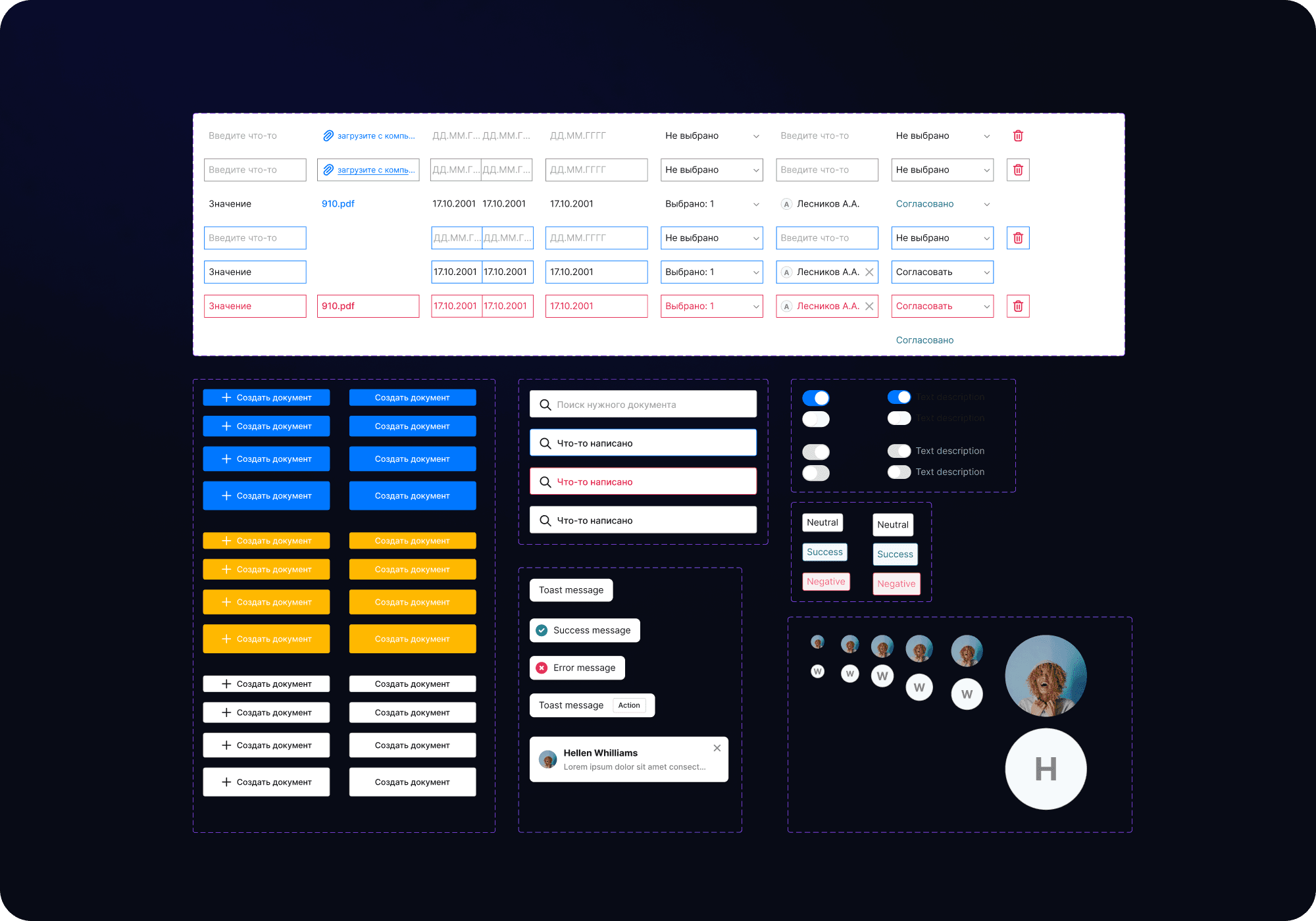
The project uses a lot of forms and different inputs. For convenience I didn't make the design system parallel to the UI.
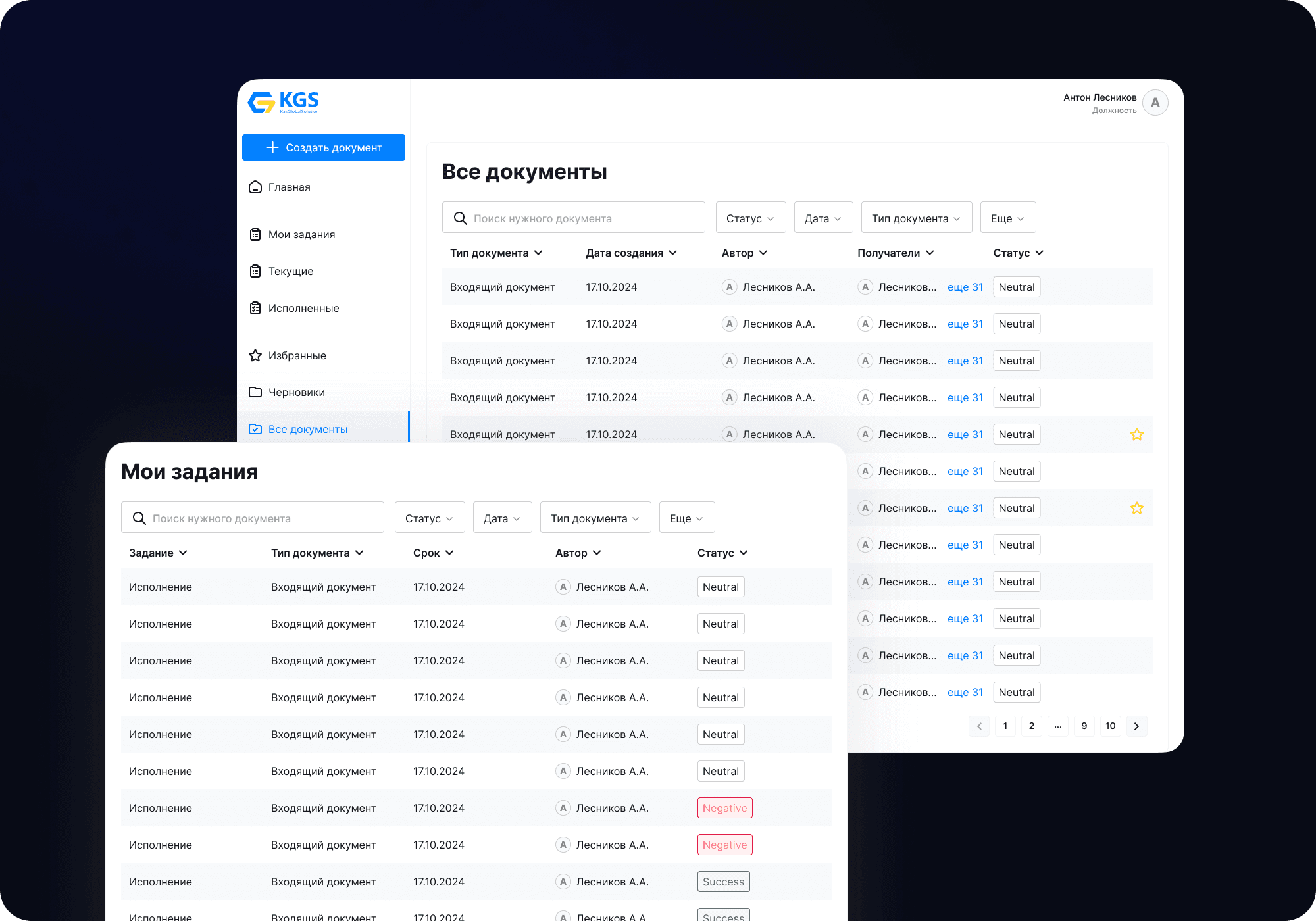
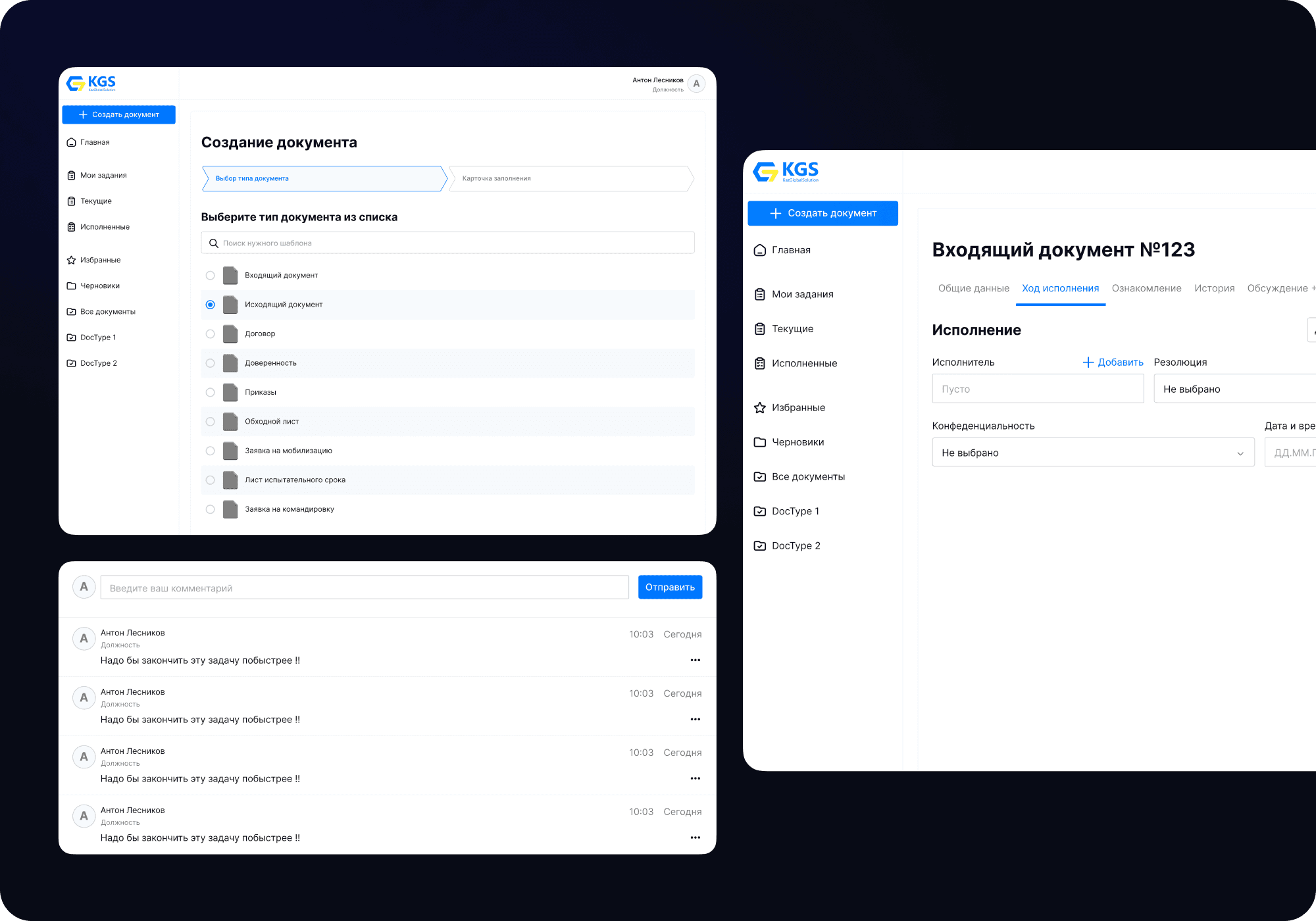
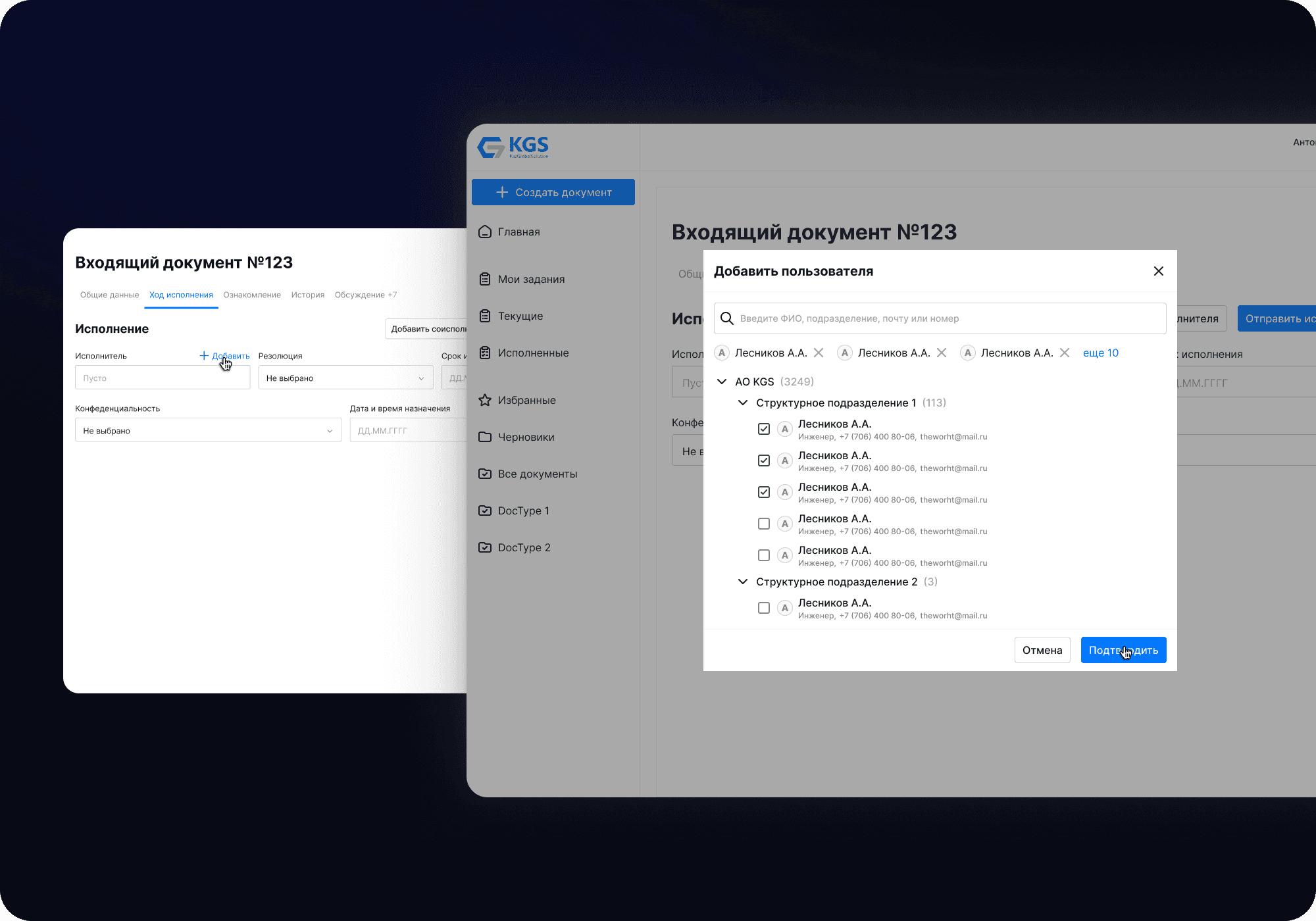
Then I broke the product down into document types. The question probably arises - Why not make one universal one, if they have forms collected in the backend to save time? Because each document, although it contained quite universal elements, still each had a unique flow and from these there were different scenarios of interaction.
Here was the biggest challenge of the project. But with the help of a quality design system I accelerated the work by 140%. Then the rest of the days I did the same work - clamping UI by document type and rendering different stats.
How did that work out?
KGS had been paper-based since 1954, then switched to IBM technology from 2006 and only upgraded to this product by 2023.
KGS saved about ~98,000,000 KZT ($213,000) thanks to the updated product, fresh design with convenient and simple solutions.
The document workflow workflow is 78% faster compared to the old system and has personally received some good feedback from the client and users.